Add your own GIFs

See how it works

You can add your own fist bump and high five GIFs from Giphy!

Frequently Asked Questions

What does rated "G" mean?

+

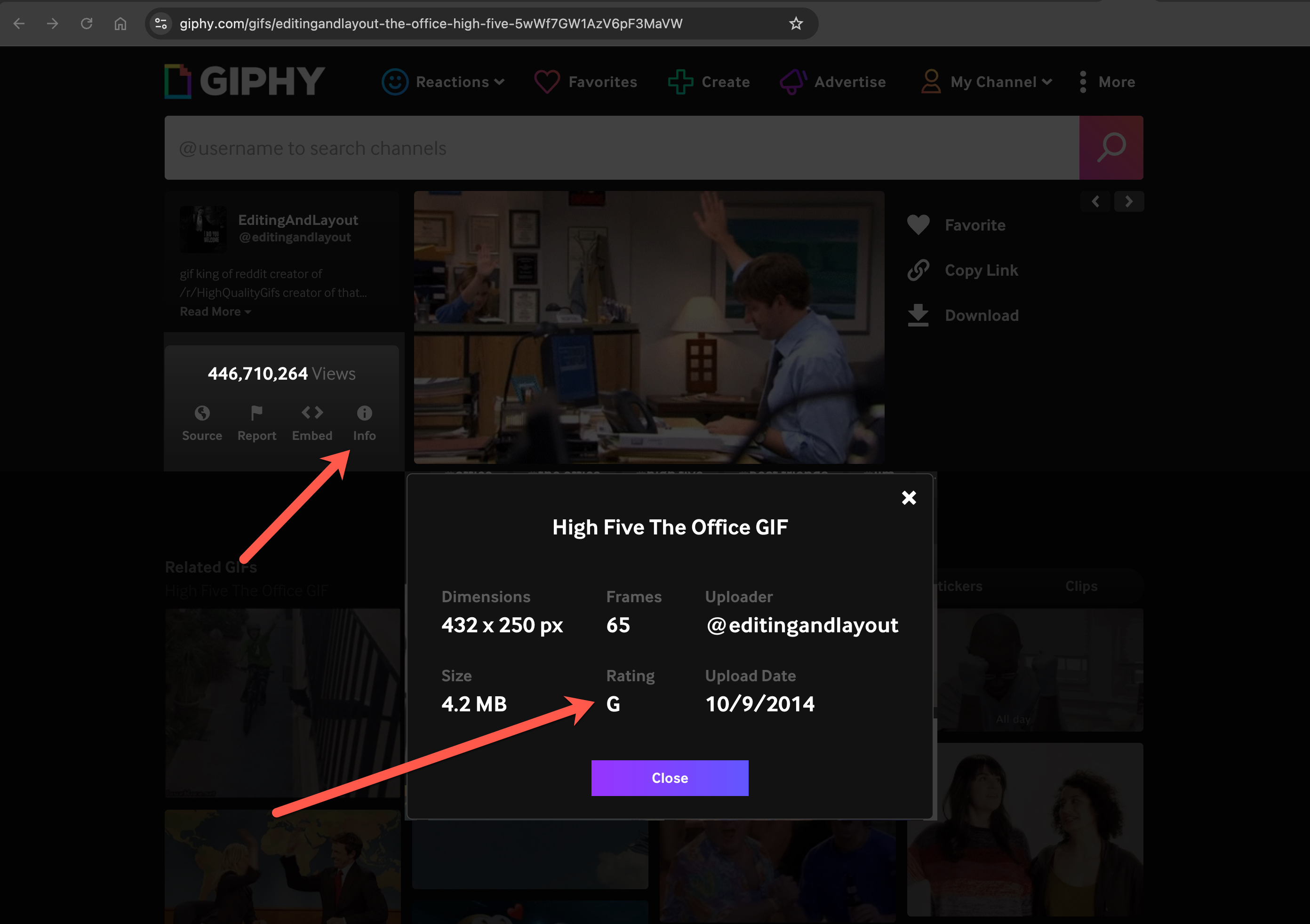
Personalized GIFs must be rated "G" (for all audiences) on Giphy so they’re workplace-safe. Look for this badge on the GIF’s page:

Giphy rating badge showing G for all audiences

Do I need a Giphy login?

+

No. You can browse Giphy and copy a GIF link without creating an account. Just paste that link into Give Props.

Can I add my own GIFs or non-Giphy GIFs?

+

Give Props only accepts rated "G" GIF links from Giphy — personal uploads and other GIF sites aren’t supported.

Can I remove a personalized GIF?

+

Yes. On the Home tab, click Remove a GIF, pick the one you want, and remove it. You can always add it again later.

Will my teammates see the GIFs I add?

+

If you send a fist bump or high five with one, yes — they’ll see that GIF in the message. But personalized GIFs only appear in your curated collection. They won’t show up in anyone else’s picker unless they add them too.

Where do my personalized GIFs show up?

+

In the GIF picker when you give a fist bump or high five — whichever collection you added them to.